


Checkout
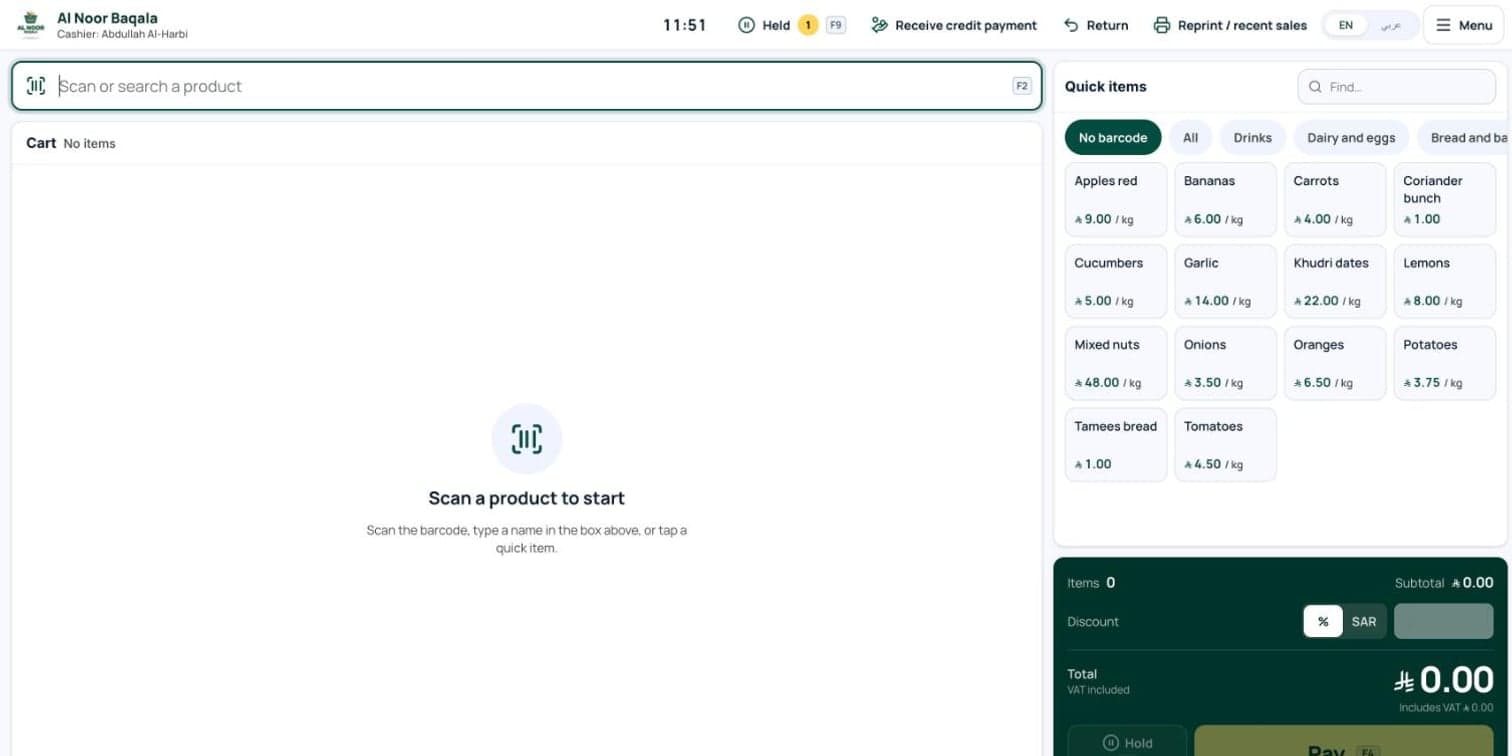
Scanner works anywhere on screen, carton barcodes, items by weight, quick items without barcodes, discounts, hold and resume, returns and reprints, with keyboard shortcuts.
Products / Hisaabii
Fast checkout, customer credit and ZATCA invoices for the corner shop.
Hisaabii Baqala is a simple POS for the neighbourhood grocery.
Built for baqalas and mini-markets in Saudi Arabia. The scanner works from any screen, loose items sell by weight, and regular customers can buy on credit with a limit and a WhatsApp statement. Every sale gets a ZATCA tax invoice with a QR code without making the cashier wait, and the owner sees stock, suppliers, expenses, profit and the day's cash in one place, in Arabic and English.
Customer credit kept in a notebook
End-of-day cash that doesn't add up
Expiry dates spotted too late
Compliance without an accountant
How it fits together
Scanner works anywhere on screen, carton barcodes, items by weight, quick items without barcodes, discounts, hold and resume, returns and reprints, with keyboard shortcuts.
Bilingual tax invoice with ZATCA QR, credit slips, payment receipts and credit notes, on a LAN or USB printer or from the browser.
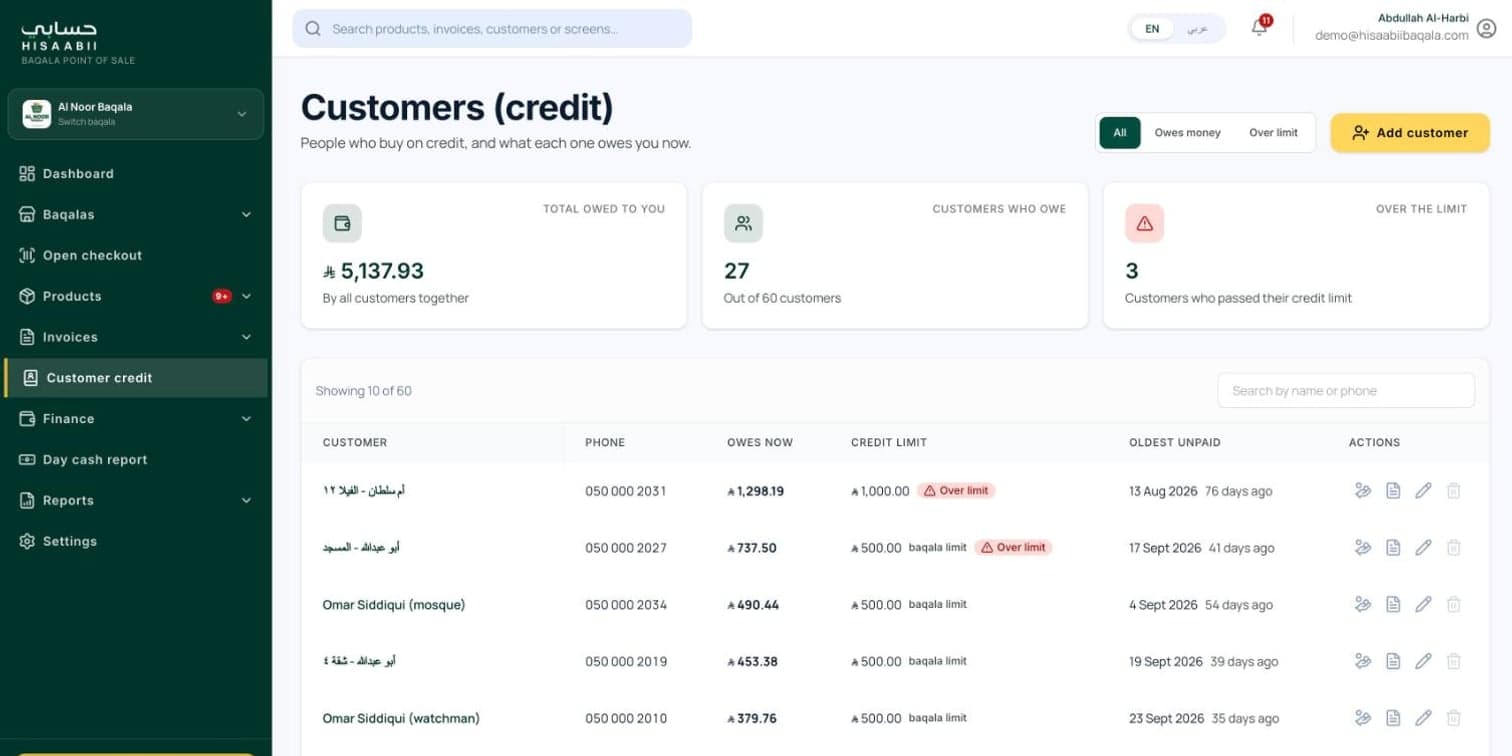
Customers by name and phone, credit limits, oldest-first payments, and a statement PDF sent by WhatsApp.
Low-stock and near-expiry filters, categories, Excel import with preview, stock counts and adjustments.
Purchase orders, receiving goods, supplier credit and payments, expenses, profit and loss and a VAT report.
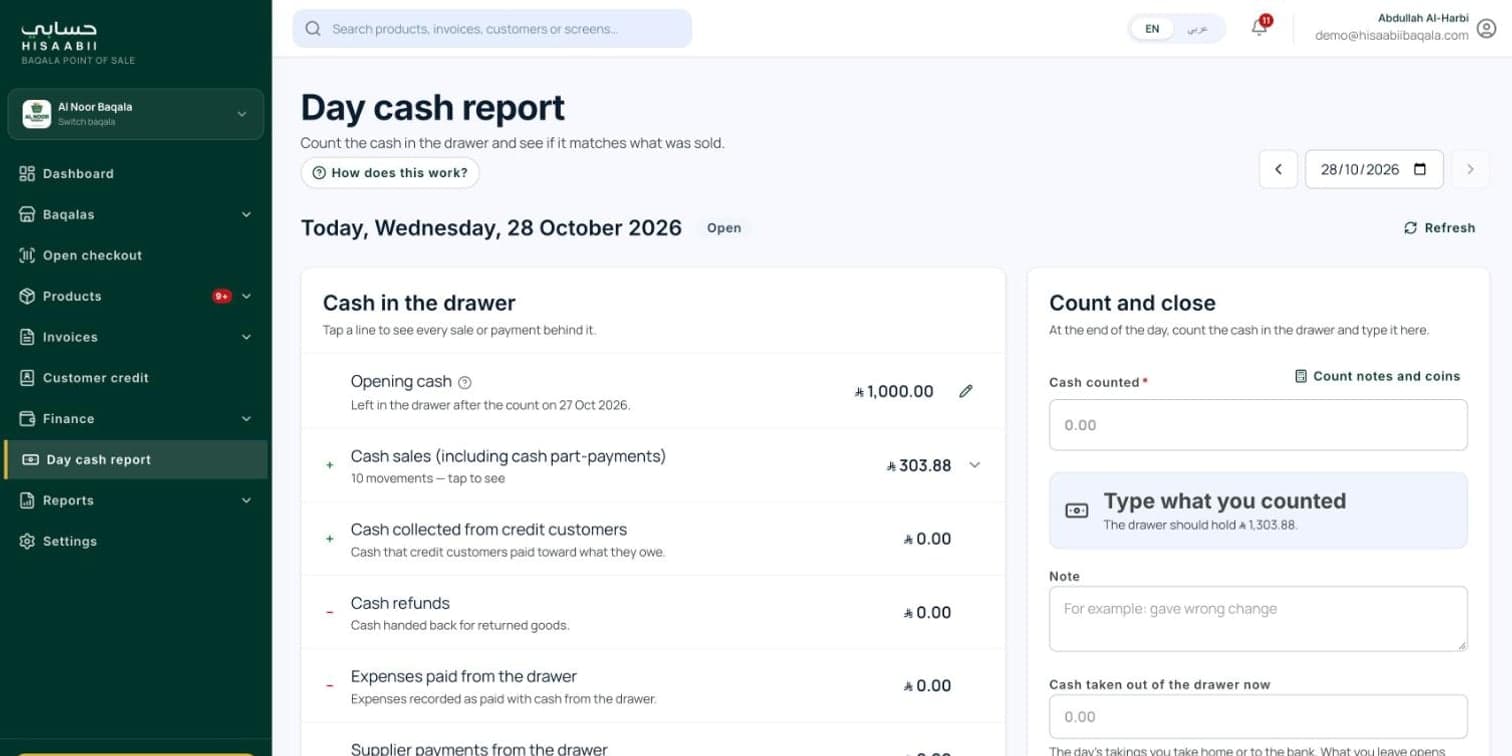
Expected cash against what was counted, with notes, close and reopen, and a history of days.
Bell and email alerts for low stock, near expiry, credit over limit and ZATCA problems, plus ten reports with CSV and print.
Several baqalas per owner with a switcher, and admin and cashier roles with their own logins.
12features, ready on day one
What Hisaabii Baqala does out of the box. Anything missing can be added for your business.
How we take Hisaabii Baqala from your plans to go-live.
No. The invoice is signed straight away so the receipt carries its QR code, and it is reported to ZATCA in the background.
Yes. Set a credit limit per customer, take payments against the oldest slips first, and send a statement PDF by WhatsApp.
Yes. Items can be sold per kg by typing the weight, alongside barcode and quick items.
Yes. Import from Excel with a preview first; barcodes and Arabic names are kept intact.
Yes. Print to a network or USB receipt printer, or from the browser, and the drawer opens after every cash sale.
Yes. One owner can run several baqalas and switch between them, each with its own cashiers.
Explore it yourself right now, or book a 30-minute guided walkthrough, online or on-site.
Related products