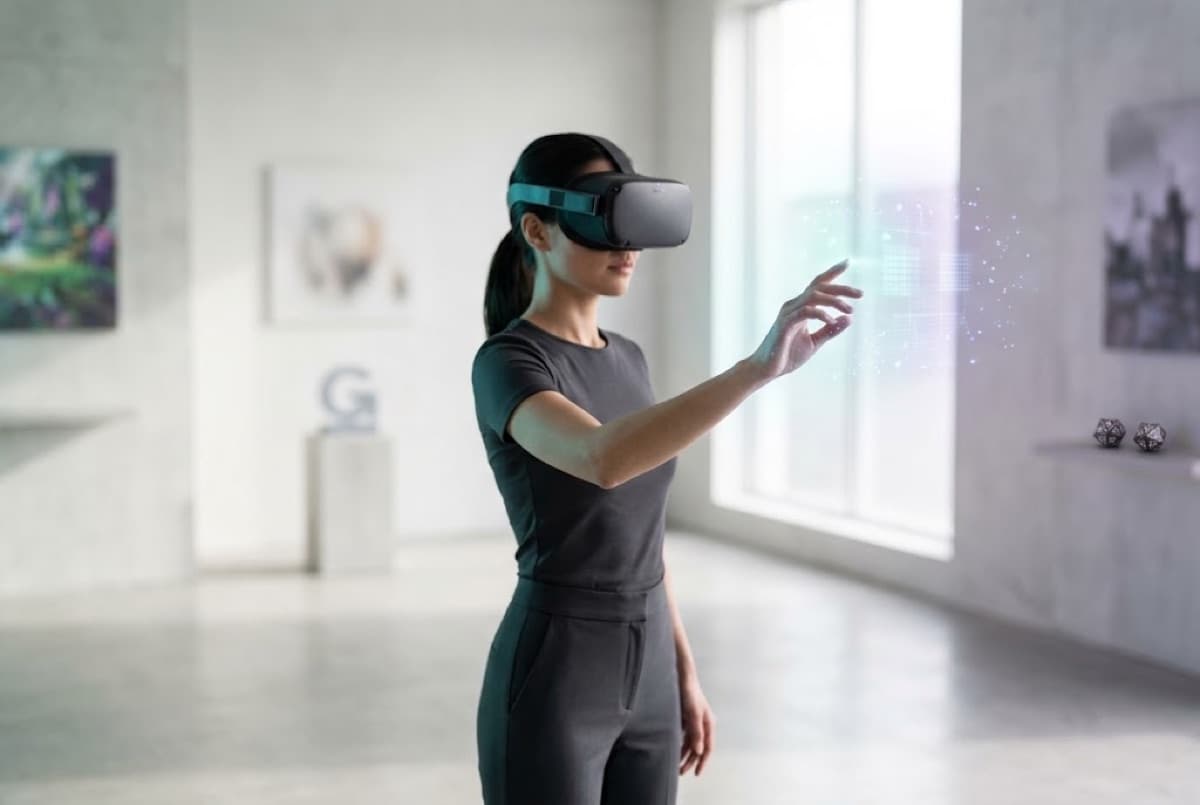
We build AR that runs on the phones your customers already have, and VR for headsets when full immersion matters, such as training and virtual tours.
Our own products, like Virtual Tours, VR Gaming and the AI Fitting Studio, come from the same team.
Ways to let people try before they buy
Try it in your own spaceTryitinyourownspace
Augmented reality places your product in the customer's room or on their body through their phone camera, and 3D viewers let them spin and zoom it on your site.
Augmented realityPlace products in a room, try items on, or overlay guidance on real equipment, on iOS, Android and the web.
3D product viewersInteractive 3D models for ecommerce and catalogues.
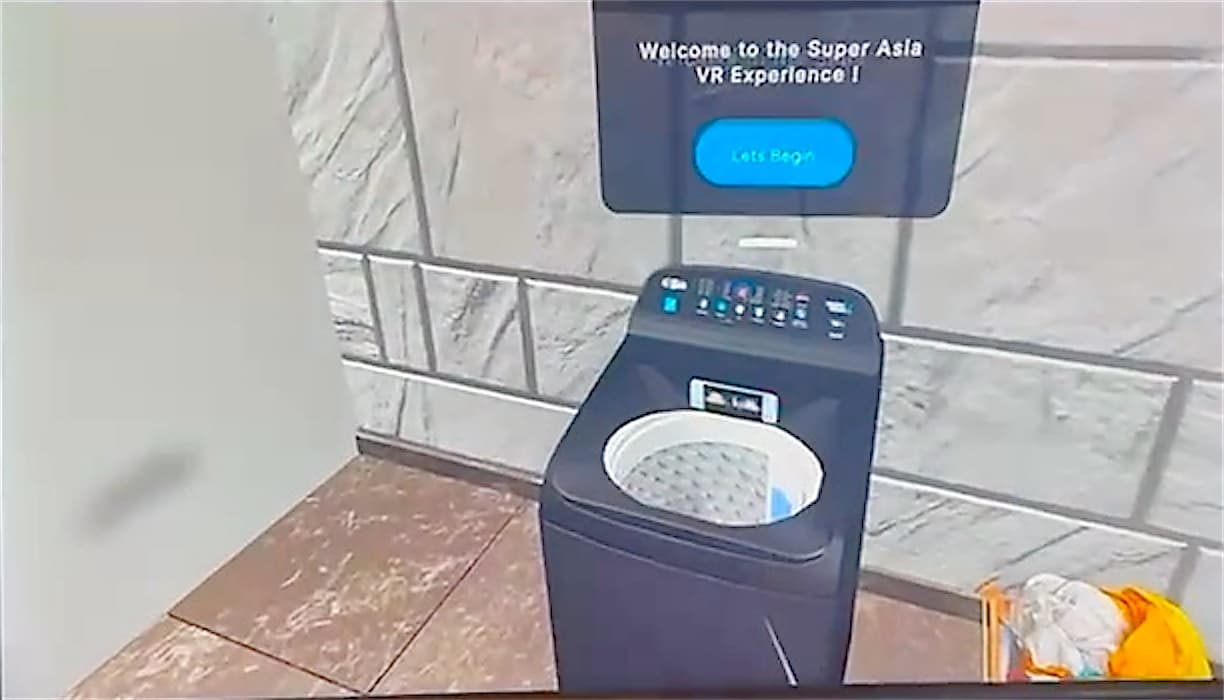
interactive vr product
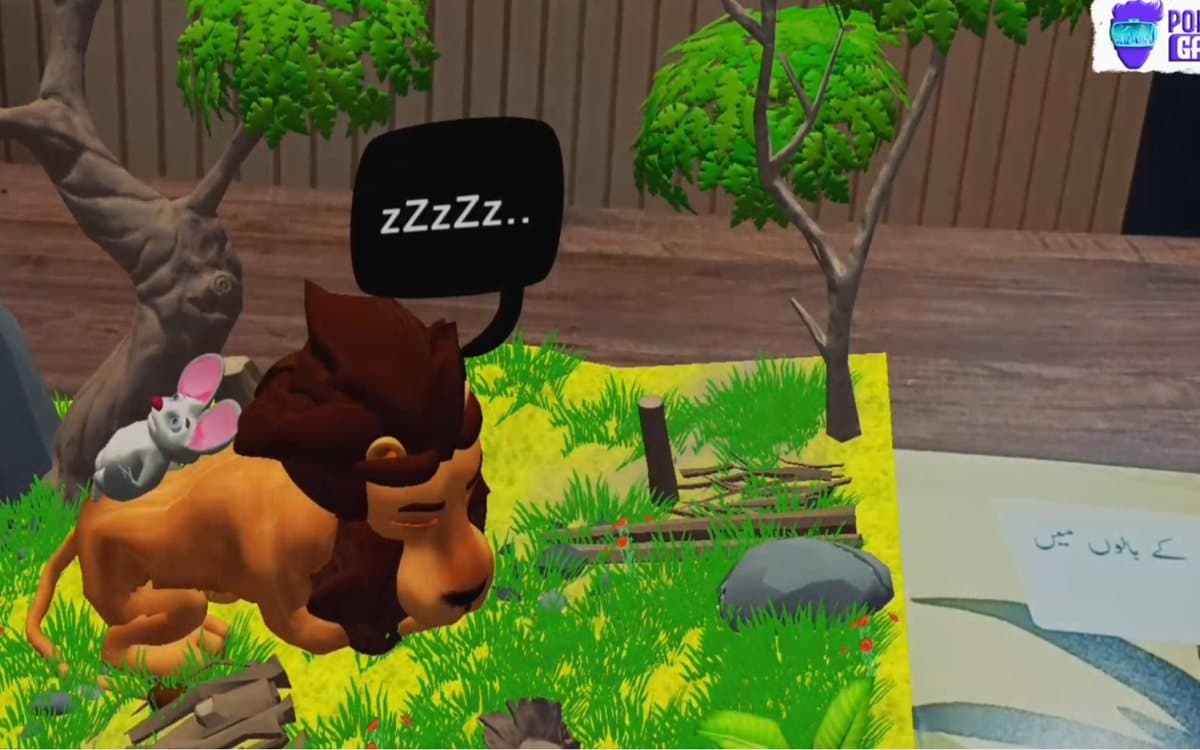
Our product: Interactive VR Product
Step insideStepinside
Virtual reality and 360° tours let buyers walk through a property, venue or factory from anywhere, on a headset or in the browser.
Virtual realityHeadset experiences for training, simulation and storytelling.
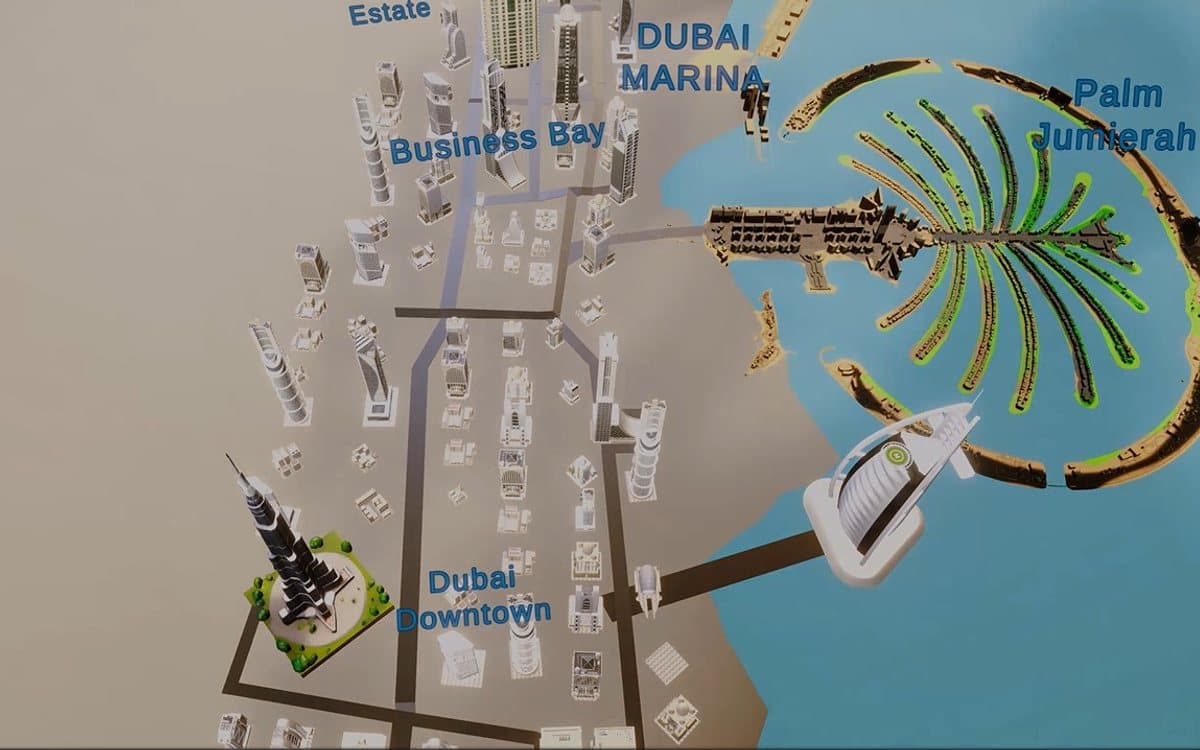
Virtual toursWalk through property, venues and campuses from anywhere.
Minutes spent on a listing Example figures
1.22.46.8
PhotosVideoVirtual tour
Where it runs
Meta Quest
Vision Pro
Android
Web (WebXR)
Train safelyTrainsafely
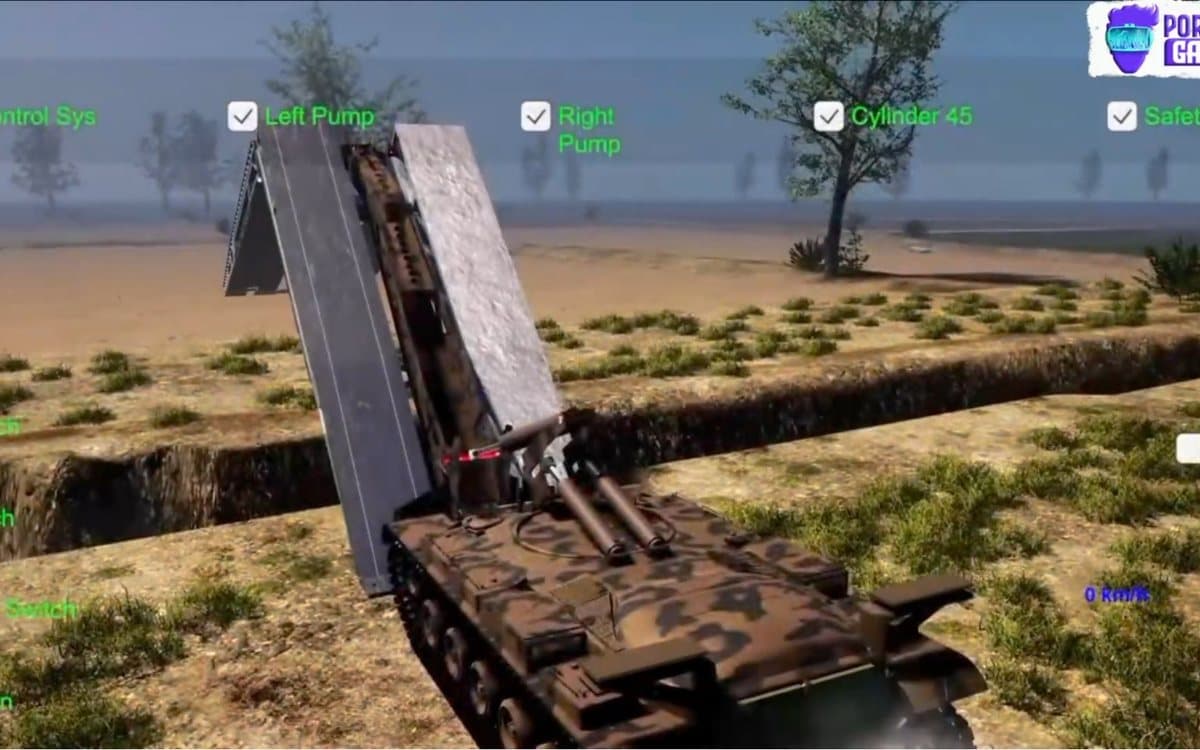
Simulations let staff practise risky or expensive tasks, such as machinery, emergencies or customer situations, as often as they need without real-world risk.
Training simulationsPractise procedures safely before doing them for real.
Forklift safety module
Pre-use inspection
Loading on a slope
Pedestrian in the aisle
Final assessment
The team behind your project: analysts, designers, developers and testers under one roof.
How we workHowwework
Week 1Define the experienceWho it's for, where they'll use it (phone, headset or web) and what it should help them do.
Weeks 2–43D and prototype3D models or 360° capture, and a first version to try on the target device.
Weeks 4–10BuildInteractions, content and any connection to your website, booking or learning system.
LaunchTest and releaseTested on real devices and released to your site, app stores or headsets.
OngoingUpdateNew products, rooms or training scenarios added as you need them.
No. Augmented reality and 3D viewers work on ordinary phones and browsers. Headsets are only needed for full virtual reality, which suits training and showrooms.
Can you make 3D models of our products?
Yes, from your product photos, drawings or CAD files.
Can a virtual tour go on our website?
Yes. Tours run in the browser and can be embedded on your website or property listings.
Does VR training really work?
It lets people practise risky tasks safely and as often as they need, and every session can be tracked and scored.