

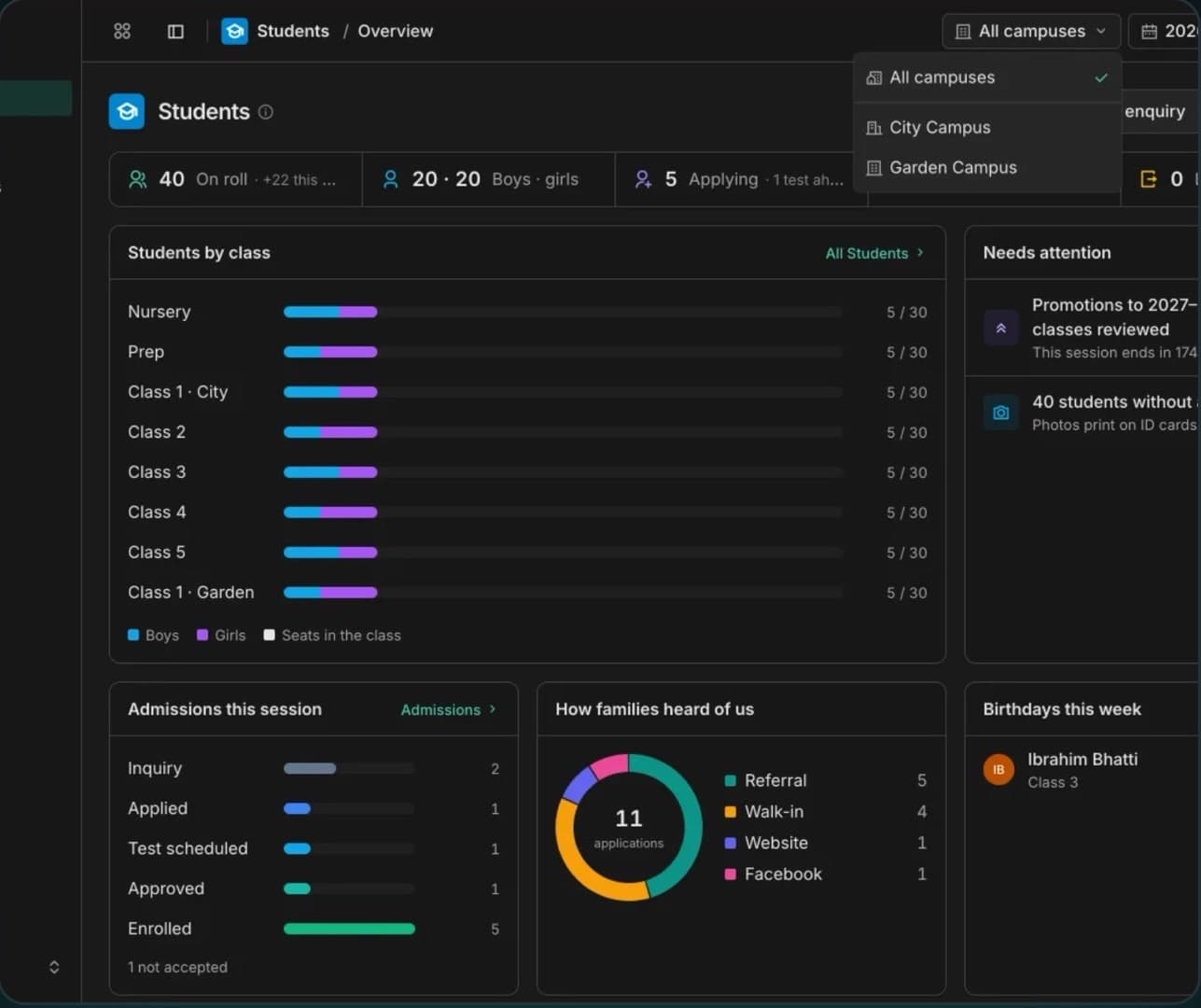
Students & admissions
Records, families, admissions, promotions and certificates, with online enquiries landing in Admissions.
Products / Education
School management for Pakistan: admissions to report cards, fees to payroll, the gate to the website.
School360 runs the whole school day in one place.
School management software built for private schools and school groups in Pakistan. Fifteen workspaces share one set of school data, so a student entered once flows into their class, attendance, marks, fee vouchers, ID card and gate pass. Each school gets its own private database, every role sees only its own part, and it all runs in the browser on phones, tablets and computers.


Attendance and marks copied by hand from paper registers
Notices lost in WhatsApp groups with no record of who saw them
Fee defaulters found at month end, vouchers made by hand
No way to be sure who collects a child at the gate
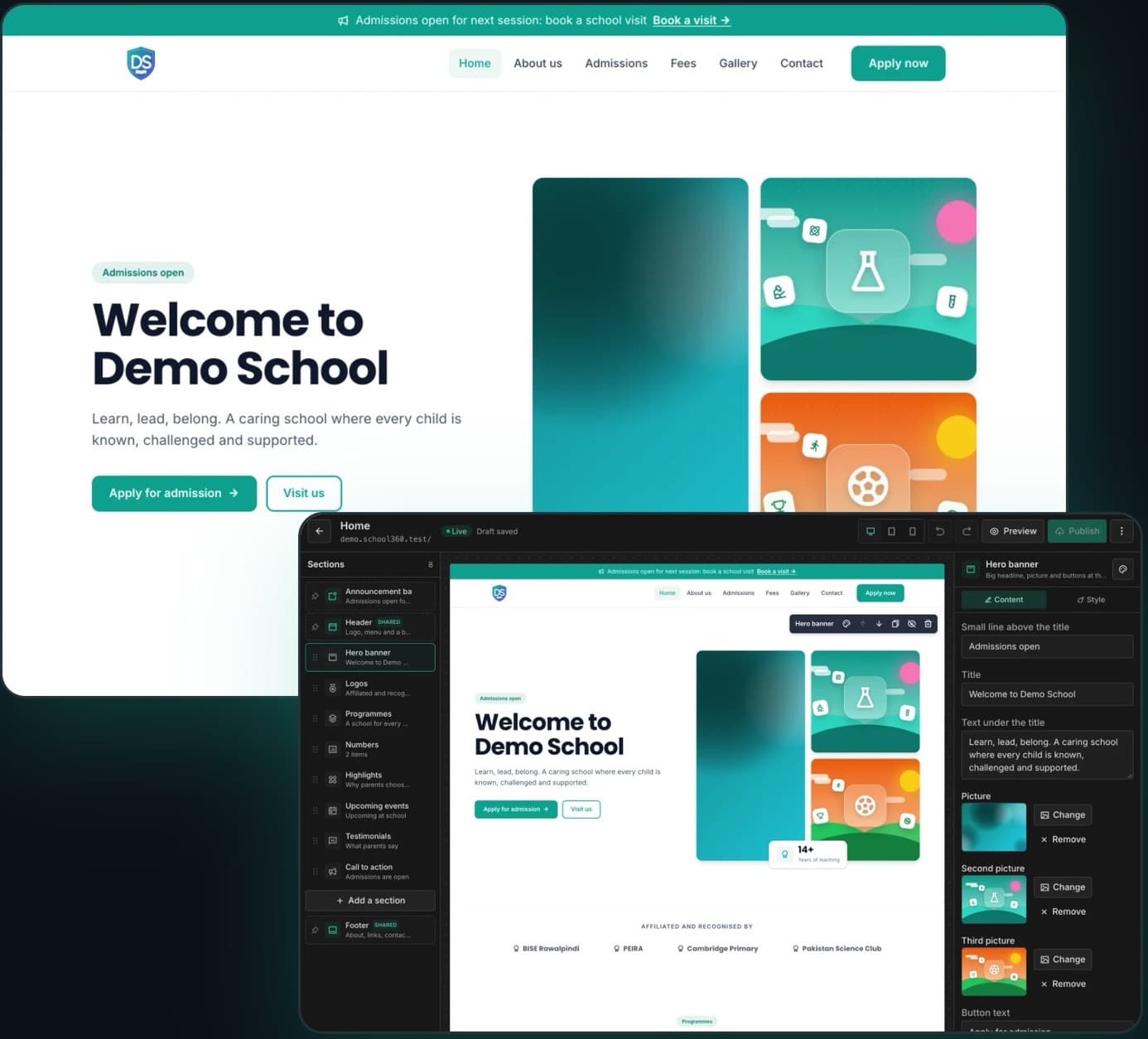
A school website that's always out of date
How it fits together
Records, families, admissions, promotions and certificates, with online enquiries landing in Admissions.
PKR fee vouchers in bank, school and parent copies; cash, bank deposit, IBFT, JazzCash or Easypaisa; defaulters, expenses and payroll.
QR pick-up cards for drivers and relatives, checked on the guard's phone; every hand-over and refusal is logged.
Exams, date sheets, marks entry, result sheets and report cards ready to print.
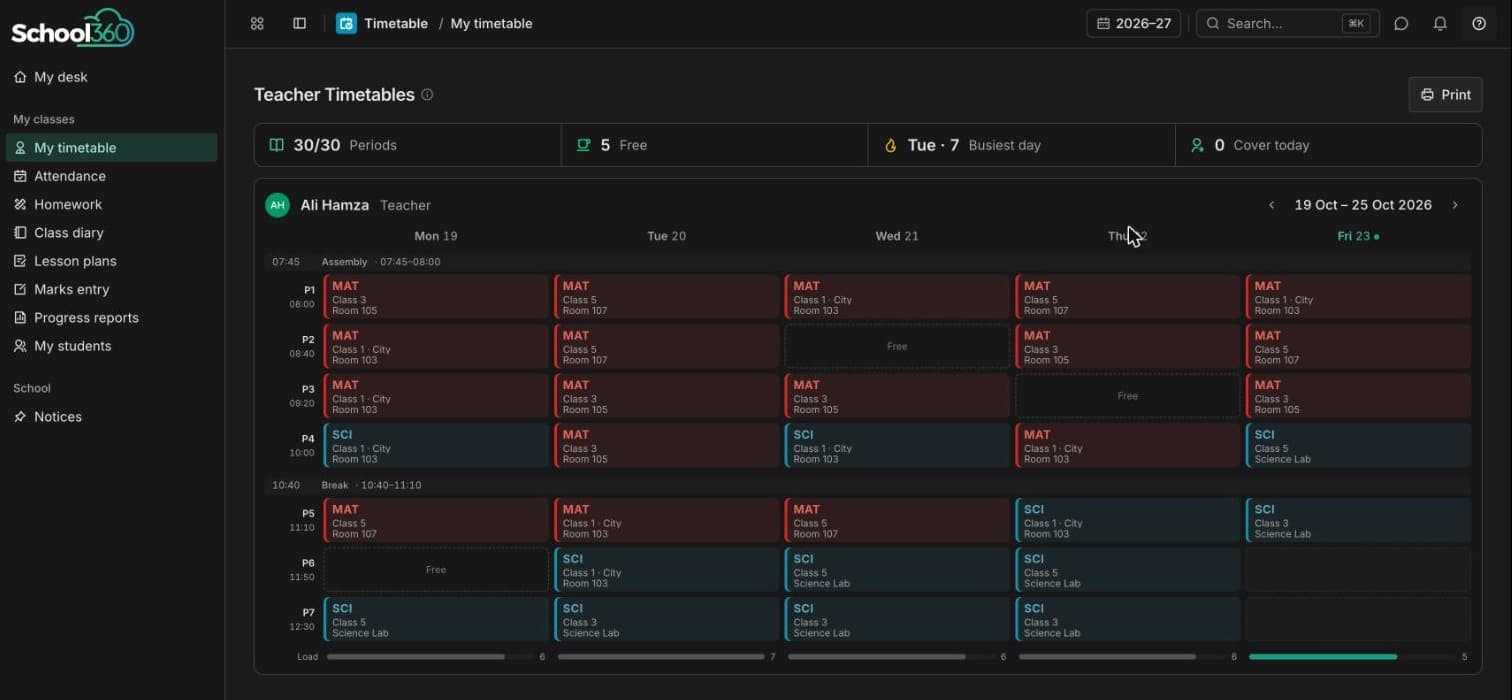
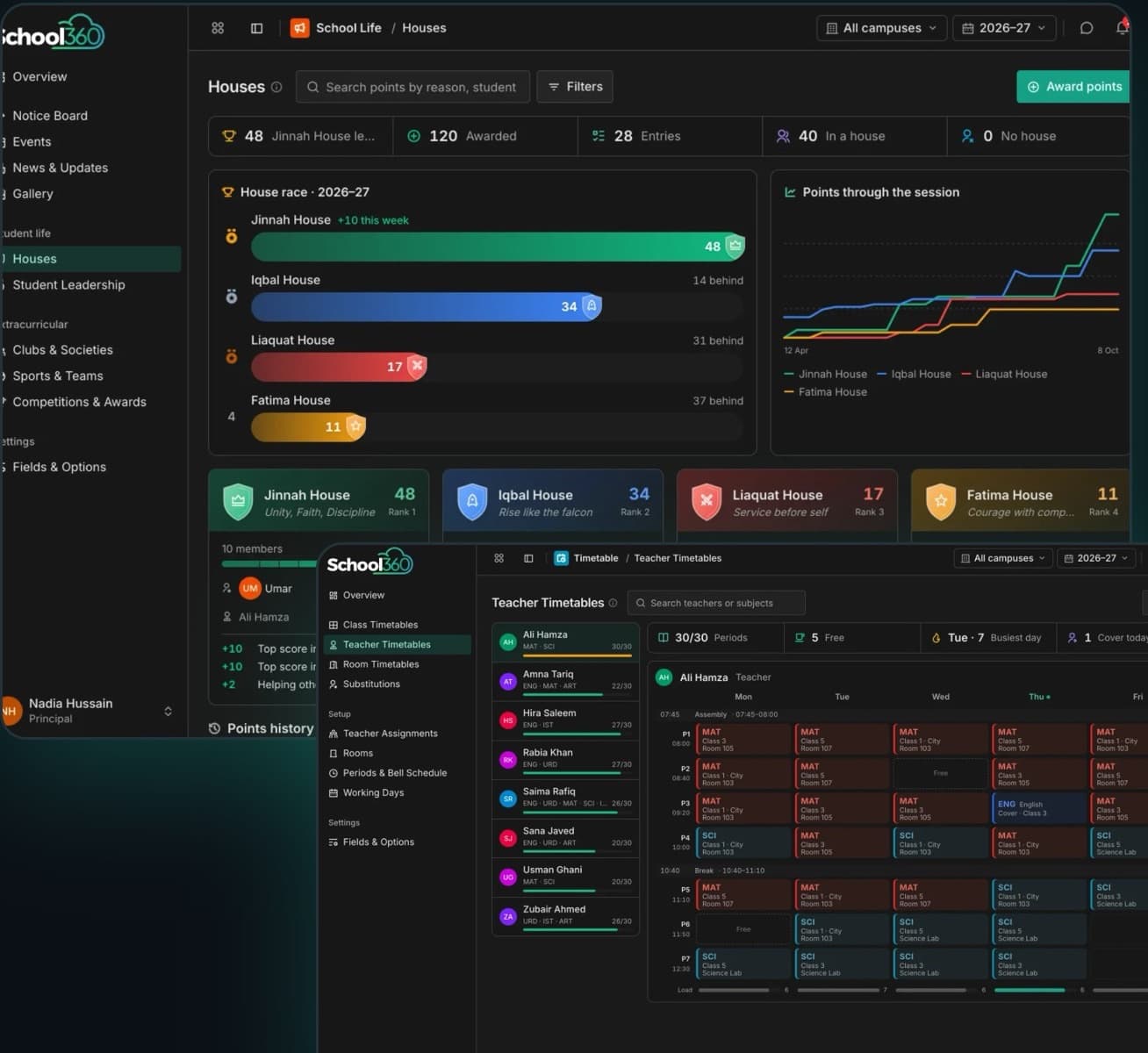
Class, teacher and room timetables arranged with no teacher or room clash, plus cover for absent teachers and bell schedules.
A school website built from your fees, staff and news, on yourschool.school360.cloud or your own domain.
Notice board, events, a live house points race, prefects and captains, clubs, sports and competitions.
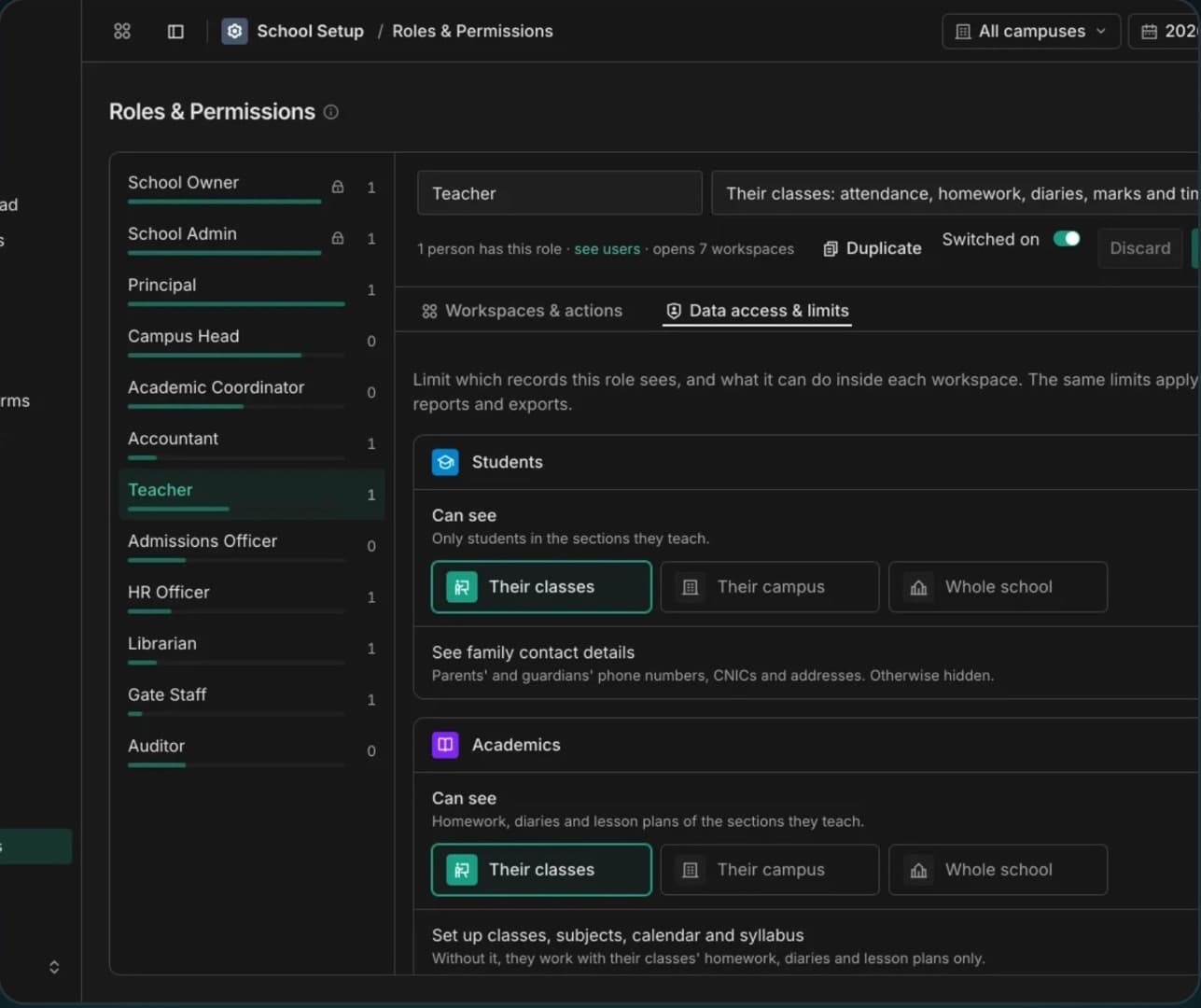
Ready-made roles from owner to gate staff, each limited to its classes, its campus or the whole school, with every change recorded.
16features, ready on day one
What School360 does out of the box. Anything missing can be added for your business.
How we take School360 from your plans to go-live.
Prices as listed on school360.cloud. Yearly billing saves about 17%.
Price on request
1 campus · 200 students · 10 staff logins
Price on request
3 campuses · 500 students · 30 staff logins
Price on request
Unlimited campuses, students and staff logins
Yes. Leave your details on the Explore demo page, confirm your email, and you'll get a login to the live demo school.
Yes. Every school has its own database, and staff only see the workspaces and pages their role allows.
Yes. Each campus keeps its own classes, students, staff and fees, and the principal can see the whole school at once.
Yes, on Growth and Enterprise: live on yourschool.school360.cloud straight away, or on your own domain.
Yes. Students with families, staff and library books import from Excel or CSV, with every row checked first.
No. It runs in the browser on computers, tablets and phones. A desktop app is also available.
Explore it yourself right now, or book a 30-minute guided walkthrough, online or on-site.
Related products